image

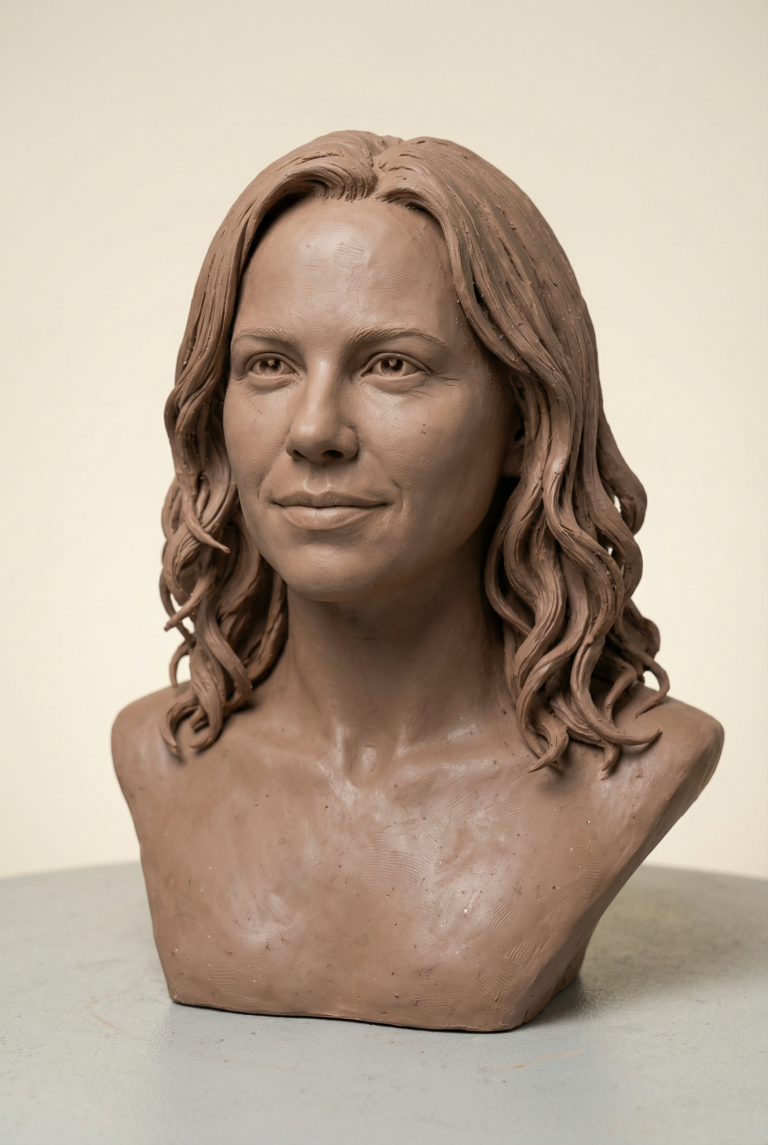
Hyper-Realistic Clay Bust From Photo — Midjourney AI Prompt

Create a stunning realistic clay bust sculpture from any photo. Amazing handcrafted texture details and professional quality.

>_ Prompt
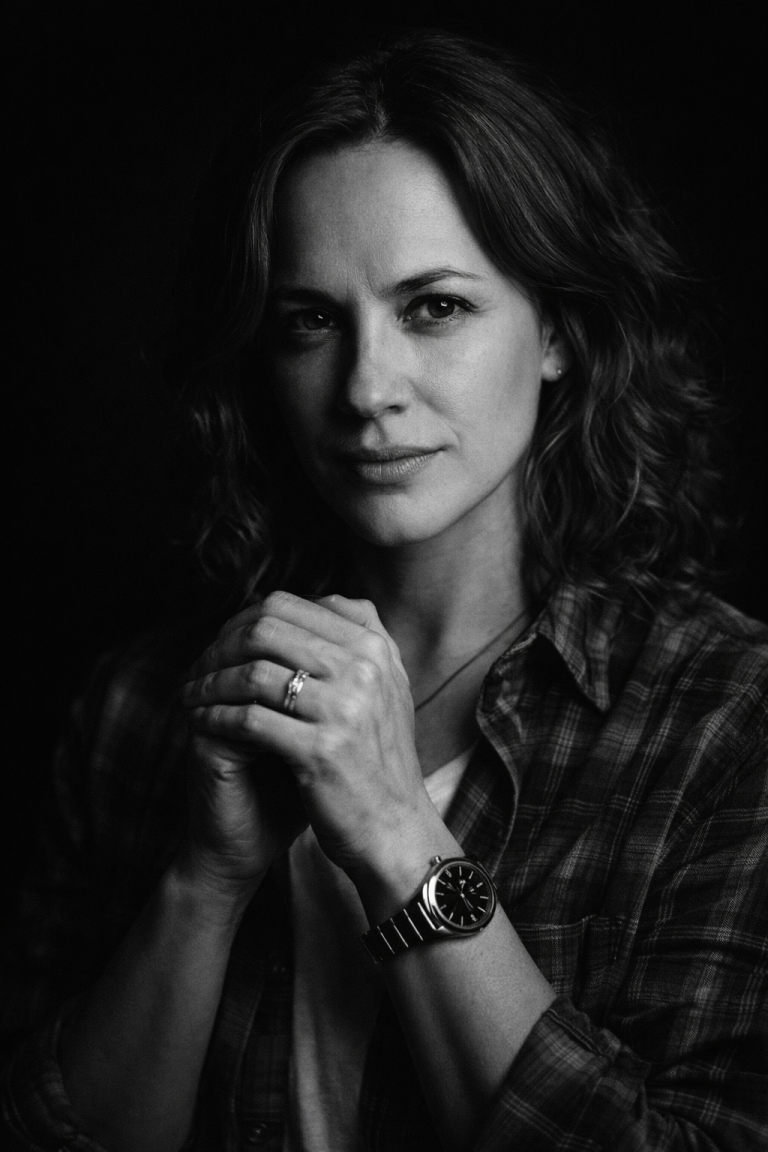
Use the uploaded photo as the only identity reference. Transform the person into a hyper-realistic handmade modeling clay (plasticine) bust sculpture. SUBJECT - Create a bust only: head + neck + upper shoulders (no full body). - Keep the person clearly recognizable: same facial proportions, eyes, nose, lips, jawline, hairstyle. - Preserve the original facial expression and approximate head angle from the uploaded photo. - No beautification, no age change. REAL CLAY MATERIAL (MUST LOOK PHYSICAL) - Must look like real modeling clay, not CGI, not porcelain, not wax. - Show subtle hand-made realism: faint fingerprints, tiny tool marks, soft smudges, gentle dents, slight seam lines where clay pieces meet. - Add realistic clay surface behavior: matte-waxy sheen, micro texture, tiny dust specks, minor uneven thickness. SCULPTING DETAILS - Hair: sculpted clay strands/clumps with believable direction and volume, slightly imperfect alignment. - Skin: layered clay look with fine micro texture (not airbrushed smooth). - Eyes: clay-crafted eyes (not glossy realistic eyeballs). If separate pieces are used, show tiny join lines. - Lips and nose: soft clay transitions, realistic handmade edges. COLOR & FINISH - Natural clay color palette for skin and lips; hair as clay (not real hair). - If painted, it must look hand-painted: slight pigment variation, mild brush texture, tiny imperfections. - No extra accessories unless clearly present in the uploaded photo. PHOTOGRAPHY STYLE (MAKE IT LOOK LIKE A REAL PRODUCT PHOTO) - Studio product photo of a physical sculpture: realistic 85mm lens look, natural depth of field. - Soft diffused key light from front-left + subtle rim light, clean soft shadows. - Neutral seamless background: solid off-white or light gray. - Add a realistic contact shadow and a subtle tabletop surface texture. COMPOSITION & QUALITY - Centered composition, chest-up framing, clean margins. - Ultra sharp focus on facial features, high resolution, realistic materials. NEGATIVE CONSTRAINTS - No cartoon/anime style. - No 3D render look, no plastic toy look, no porcelain, no wax museum skin. - No text, no logos, no watermark.

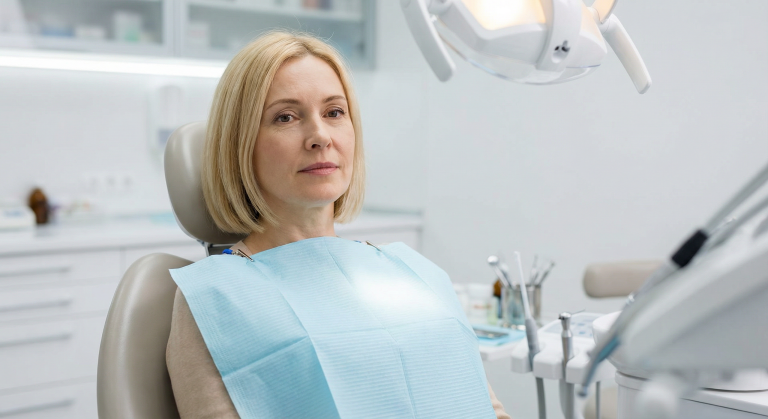
Creating Realistic Dentist Chair Portrait: Detailed AI Prompt

A powerful AI prompt for creating realistic patient portraits in dentist chairs while preserving identity and adding professional clinic details.

>_ Prompt
Use the uploaded photo of the person as the main subject. Keep the face, hair and identity identical. Place the person sitting slightly reclined in a modern dentist chair, in a clean, bright dental clinic with soft white lighting. Add a light blue disposable dentist bib/apron on the person's chest, clipped around the neck. Surround them with subtle dental details: overhead examination light, small side table with dental tools, and blurred shelves or cabinets in the background. Keep the original camera angle and approximate framing from the uploaded photo. Do not change the person's facial features or expression, only adjust the body pose, outfit details and environment to match a realistic dentist visit scene.

Architectural Sketch Overlay: Blueprint Markup Effect

Transform any photo into an authentic architectural sketch overlay with handwritten annotations, dimensions, and technical markup details.

>_ Prompt
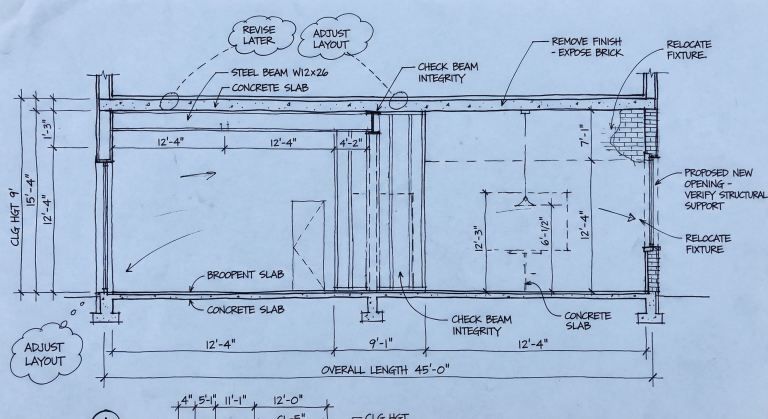
Based on the source image, overlay an architect's busy working process onto the entire scene. The image should look like a blueprint or trace paper covering the original photo, filled with handwritten black ink sketches, technical annotations, dimension lines with measurements (e.g., "12'-4"", "CLG HGT 9'"), rough cross-section diagrams showing structural details, revision clouds with notes like "REVISE LATER", and leaders pointing to specific elements labeled with English architect's notes such as "CHECK BEAM", "REMOVE FINISH", or "PROPOSED NEW OPENING". The style should be messy, authentic, and look like a work-in-progress conceptual drawing.

3D Isometric Miniature Diorama Generator from Movie Quotes

Transform famous movie quotes into picturesque 3D isometric miniatures with tilt-shift effect for unique visual content creation.

>_ Prompt
When I give you a movie quote, never reply with text or a prompt. Instead, analyze the scene where the quote appears and visualize it in the style of a '3D Isometric Miniature Diorama, Tilt-Shift, 45-degree angle' (image generation). Provide only the image. Quote = "You shall not pass!"

Hyper-Realistic 3D Dioramas of World Landmarks

Create miniature 3D models of famous landmarks with detailed surroundings, signage, and flags in 1080x1080 format.

>_ Prompt
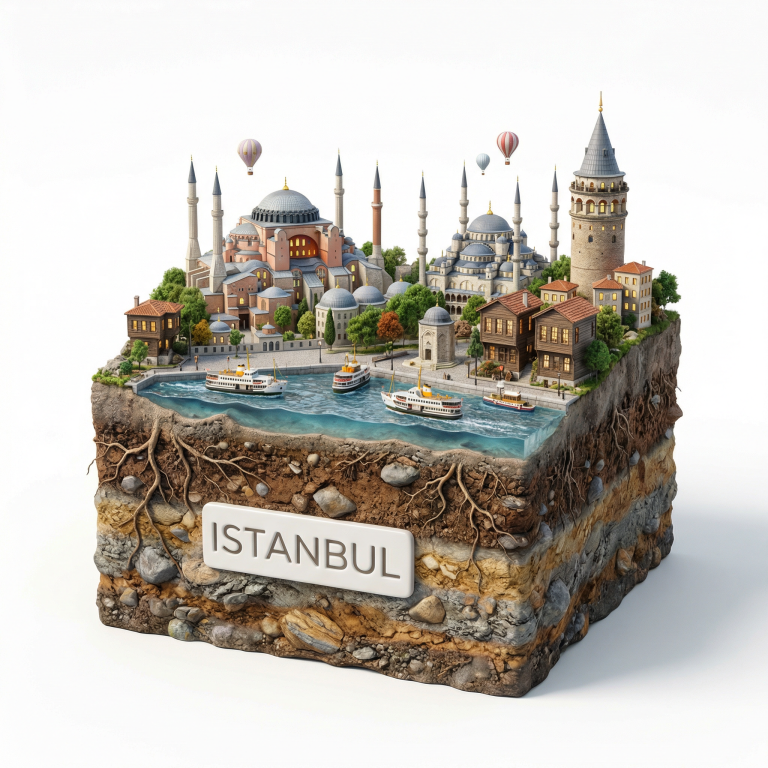
Create a hyper-realistic 3D diorama-style model of ${Landmark Name:EIFFEL TOWER}. The model should appear as a miniature, set on a raised cross-section of earth that reveals soil and rock layers beneath a lush grassy surface. The structure must be highly detailed and proportionally accurate, surrounded by tiny realistic elements like region-appropriate street lamps, native trees, shrubs, water features like small fountains, and historically or culturally fitting pathways. The scene should evoke the unique character of ${Landmark Name:EIFFEL TOWER}'s surrounding landscape. The environment must include a soft white background to draw full attention to the model. Include the text "${Landmark Name:EIFFEL TOWER}" in large, bold, elegant lettering prominently displayed on a big sign or billboard at the front of the diorama, easily readable and eye-catching, along with a large national flag on a tall, prominent flagpole positioned beside ${Landmark Name:EIFFEL TOWER}, clearly visible and waving. 1080x1080 dimension

3D Chibi Brand Miniature Store Generator

Create charming 3D brand store miniatures in blind-box aesthetic. Perfect for presentations and social media content.

>_ Prompt
3D chibi-style miniature concept store of ${Brand Name:Mc Donalds}, creatively designed with an exterior inspired by the brand's most iconic product or packaging (such as a giant ${Brand's core product:chicken bucket, hamburger, donut, roast duck}). The store features two floors with large glass windows clearly showcasing the cozy and finely decorated interior: {brand's primary color}-themed decor, warm lighting, and busy staff dressed in outfits matching the brand. Adorable tiny figures stroll or sit along the street, surrounded by benches, street lamps, and potted plants, creating a charming urban scene. Rendered in a miniature cityscape style using Cinema 4D, with a blind-box toy aesthetic, rich in details and realism, and bathed in soft lighting that evokes a relaxing afternoon atmosphere. --ar 2:3

Isometric 3D Weather Cityscapes with PBR Textures

Create charming isometric 3D city miniatures with realistic PBR textures, dynamic weather conditions and iconic architectural landmarks.

>_ Prompt
Present a clear, 45° top-down isometric miniature 3D cartoon scene of ${city_name:İSTANBUL}, featuring its most iconic landmarks and architectural elements. Use soft, refined textures with realistic PBR materials and gentle, lifelike lighting and shadows. Integrate the current weather conditions directly into the city environment to create an immersive atmospheric mood. Use a clean, minimalistic composition with a soft, solid-colored background. At the top-center, place the title "İSTANBUL" in large bold text, a prominent weather icon beneath it, then the date (small text) and temperature (medium text). All text must be centered with consistent spacing, and may subtly overlap the tops of the buildings. Square 1080x1080 dimension.

Lifestyle Product Images: MacBook Pro for Software Engineers

Create realistic lifestyle scenes featuring your product. Perfect for marketing campaigns and e-commerce visuals.

>_ Prompt
Using the uploaded product image of ${Product Name:MacBook Pro}, create an engaging lifestyle scene showing realistic usage in ${Lifestyle Scenario:Office}. Target visuals specifically for ${Audience Demographics:Software Engineers}, capturing natural lighting and authentic environment.

The Silent Standoff: Atmospheric 2D Scene in Abandoned Courtyard

Create an atmospheric scene with dark teal palette and golden light beam. Perfect for concept art and atmospheric illustrations.

>_ Prompt
High-angle top-down view of a dimly lit abandoned courtyard, cracked concrete ground, scattered old markings and faded impact dents, long eerie character shadows cast off-frame, no violence depicted, dark Teal palette with a strong golden beam, thick outlines, 2D animated cartoon look, flat shading, extreme contrast, atmospheric tension.