A powerful AI prompt for creating realistic patient portraits in dentist chairs while preserving identity and adding professional clinic details.
>_ Prompt
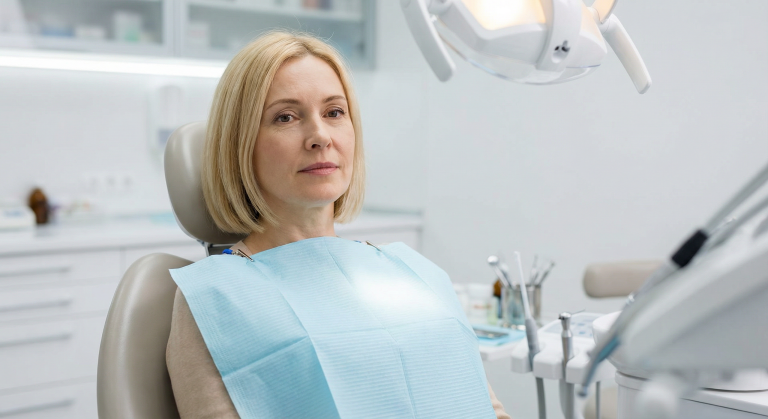
Use the uploaded photo of the person as the main subject. Keep the face, hair and identity identical. Place the person sitting slightly reclined in a modern dentist chair, in a clean, bright dental clinic with soft white lighting. Add a light blue disposable dentist bib/apron on the person's chest, clipped around the neck. Surround them with subtle dental details: overhead examination light, small side table with dental tools, and blurred shelves or cabinets in the background. Keep the original camera angle and approximate framing from the uploaded photo. Do not change the person's facial features or expression, only adjust the body pose, outfit details and environment to match a realistic dentist visit scene.
Transform any photo into an authentic architectural sketch overlay with handwritten annotations, dimensions, and technical markup details.
>_ Prompt
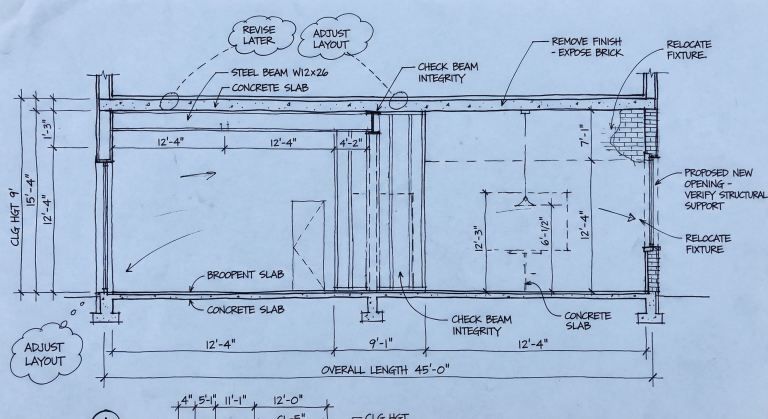
Based on the source image, overlay an architect's busy working process onto the entire scene. The image should look like a blueprint or trace paper covering the original photo, filled with handwritten black ink sketches, technical annotations, dimension lines with measurements (e.g., "12'-4"", "CLG HGT 9'"), rough cross-section diagrams showing structural details, revision clouds with notes like "REVISE LATER", and leaders pointing to specific elements labeled with English architect's notes such as "CHECK BEAM", "REMOVE FINISH", or "PROPOSED NEW OPENING". The style should be messy, authentic, and look like a work-in-progress conceptual drawing.
Transform famous movie quotes into picturesque 3D isometric miniatures with tilt-shift effect for unique visual content creation.
>_ Prompt
When I give you a movie quote, never reply with text or a prompt. Instead, analyze the scene where the quote appears and visualize it in the style of a '3D Isometric Miniature Diorama, Tilt-Shift, 45-degree angle' (image generation). Provide only the image. Quote = "You shall not pass!"
Create miniature 3D models of famous landmarks with detailed surroundings, signage, and flags in 1080x1080 format.
>_ Prompt
Create a hyper-realistic 3D diorama-style model of ${Landmark Name:EIFFEL TOWER}. The model should appear as a miniature, set on a raised cross-section of earth that reveals soil and rock layers beneath a lush grassy surface. The structure must be highly detailed and proportionally accurate, surrounded by tiny realistic elements like region-appropriate street lamps, native trees, shrubs, water features like small fountains, and historically or culturally fitting pathways. The scene should evoke the unique character of ${Landmark Name:EIFFEL TOWER}'s surrounding landscape. The environment must include a soft white background to draw full attention to the model. Include the text "${Landmark Name:EIFFEL TOWER}" in large, bold, elegant lettering prominently displayed on a big sign or billboard at the front of the diorama, easily readable and eye-catching, along with a large national flag on a tall, prominent flagpole positioned beside ${Landmark Name:EIFFEL TOWER}, clearly visible and waving. 1080x1080 dimension
Create charming isometric 3D city miniatures with realistic PBR textures, dynamic weather conditions and iconic architectural landmarks.
>_ Prompt
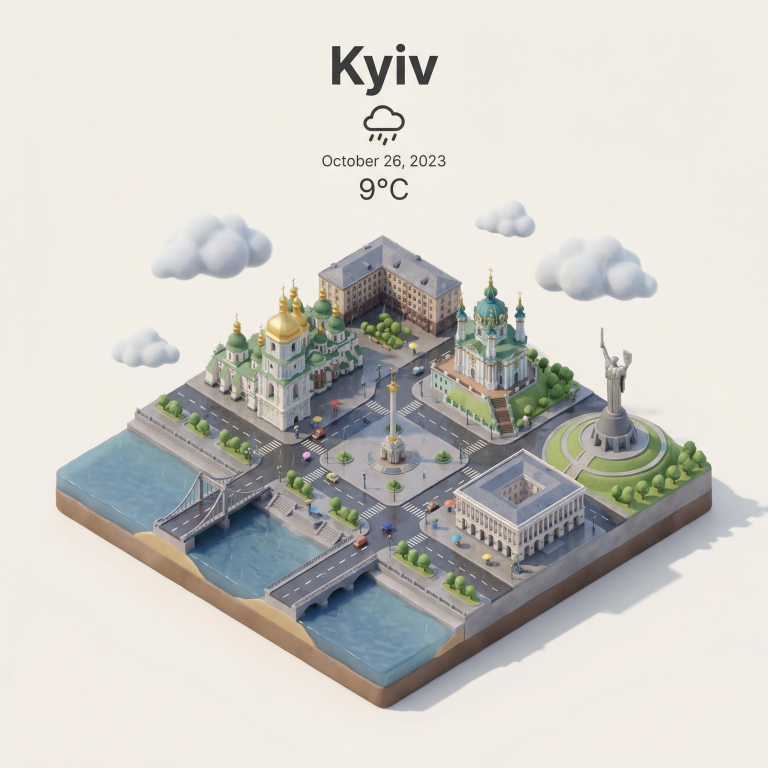
Present a clear, 45° top-down isometric miniature 3D cartoon scene of ${city_name:İSTANBUL}, featuring its most iconic landmarks and architectural elements. Use soft, refined textures with realistic PBR materials and gentle, lifelike lighting and shadows. Integrate the current weather conditions directly into the city environment to create an immersive atmospheric mood. Use a clean, minimalistic composition with a soft, solid-colored background. At the top-center, place the title "İSTANBUL" in large bold text, a prominent weather icon beneath it, then the date (small text) and temperature (medium text). All text must be centered with consistent spacing, and may subtly overlap the tops of the buildings. Square 1080x1080 dimension.
Create realistic lifestyle scenes featuring your product. Perfect for marketing campaigns and e-commerce visuals.
>_ Prompt
Using the uploaded product image of ${Product Name:MacBook Pro}, create an engaging lifestyle scene showing realistic usage in ${Lifestyle Scenario:Office}. Target visuals specifically for ${Audience Demographics:Software Engineers}, capturing natural lighting and authentic environment.
Create an atmospheric scene with dark teal palette and golden light beam. Perfect for concept art and atmospheric illustrations.
>_ Prompt
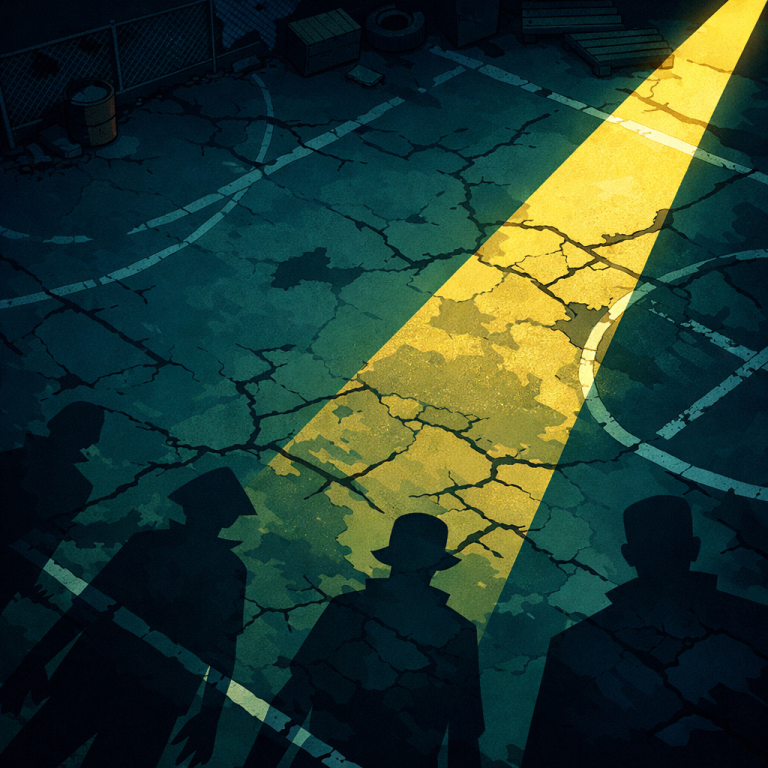
High-angle top-down view of a dimly lit abandoned courtyard, cracked concrete ground, scattered old markings and faded impact dents, long eerie character shadows cast off-frame, no violence depicted, dark Teal palette with a strong golden beam, thick outlines, 2D animated cartoon look, flat shading, extreme contrast, atmospheric tension.
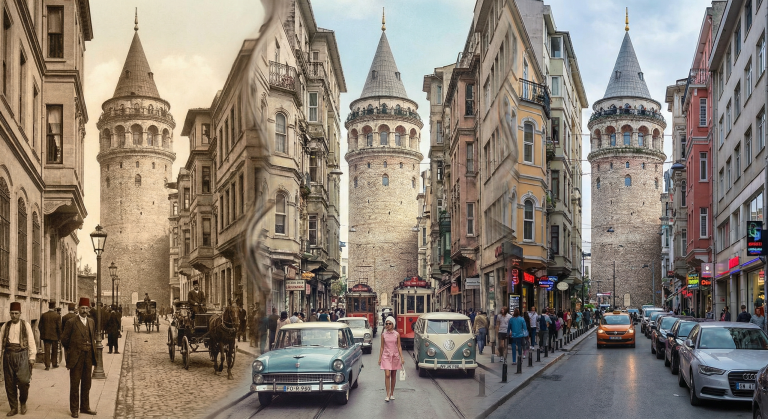
AI prompt for generating photos that combine different eras in one frame. From 19th-century sepia to modern digital clarity in a seamless transition.
>_ Prompt
A single photograph of ${location:Galata Tower, Istanbul} where the frame is divided into organic, flowing sections, each showing a different era: ${era1:1890s sepia Ottoman period}, ${era2:1960s faded color}, ${era3:present day digital clarity}. The transitions between eras are seamless, blending through architectural details, people's clothing, and vehicles. Same camera angle, same perspective, different times bleeding into each other. Street level view. Photorealistic for each era's authentic photography style.
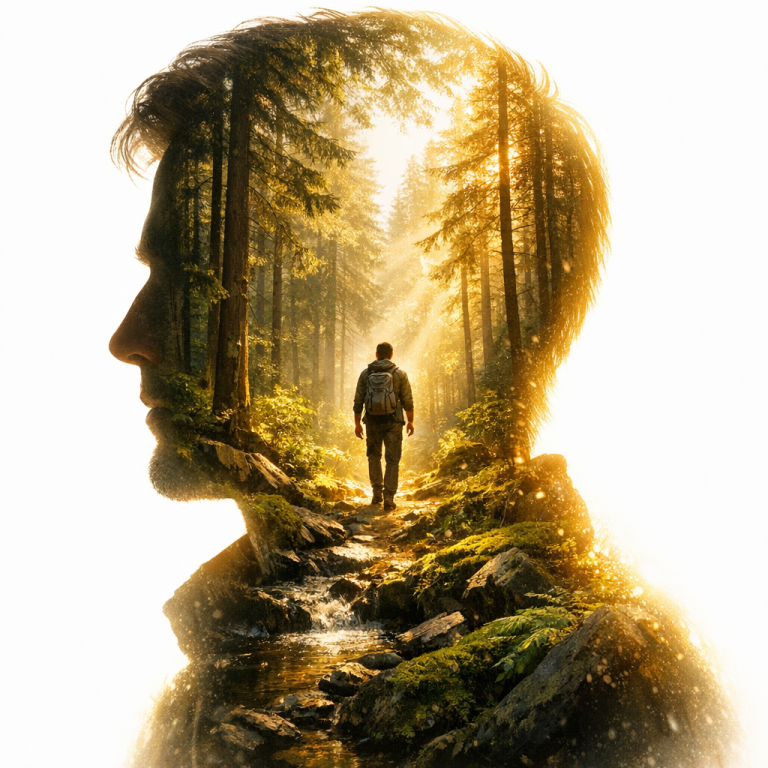
Create stunning artistic double exposure portraits with this prompt. Perfect for photographers, designers, and AI artists seeking cinematic high-contrast visuals.
>_ Prompt
A double exposure portrait set in a ${name:sunny forest}. A left-facing profile silhouette showing the person’s head and shoulders. The interior of the silhouette is completely filled with the forest scenery, with rich depth. Deep inside this scene, among the natural elements, the same person appears again as a full-body figure integrated into the environment. The outer background is a bright, overexposed white light. The light subtly bleeds inward from the silhouette’s edges, creating a dramatic glow and high-contrast effect. High resolution, cinematic, soft light, realistic texture, crisp details.
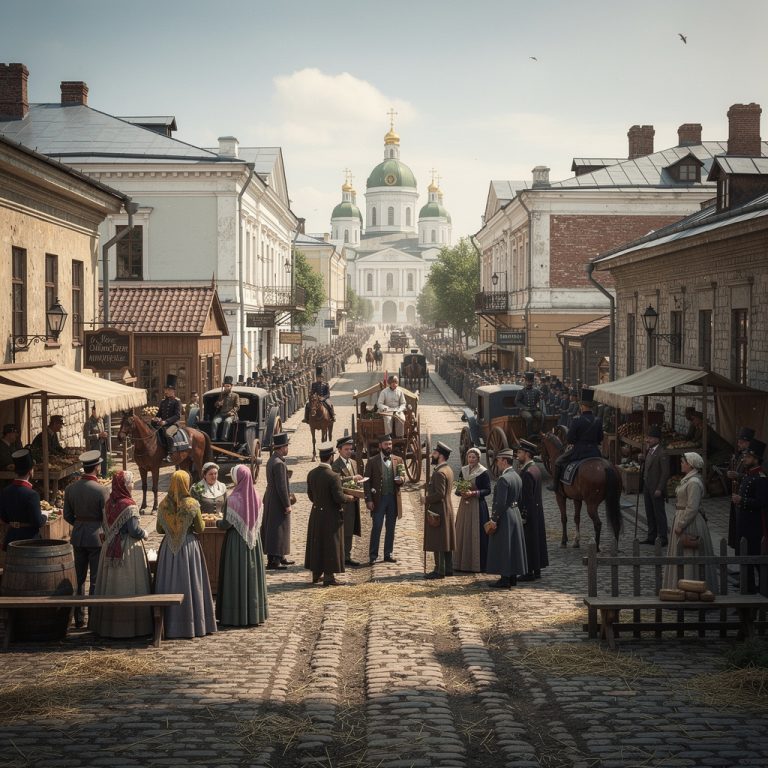
Generate hyper-realistic images of historical events based on date and location. Accurate era reproduction, architecture, and costumes in 4K quality for your projects.